
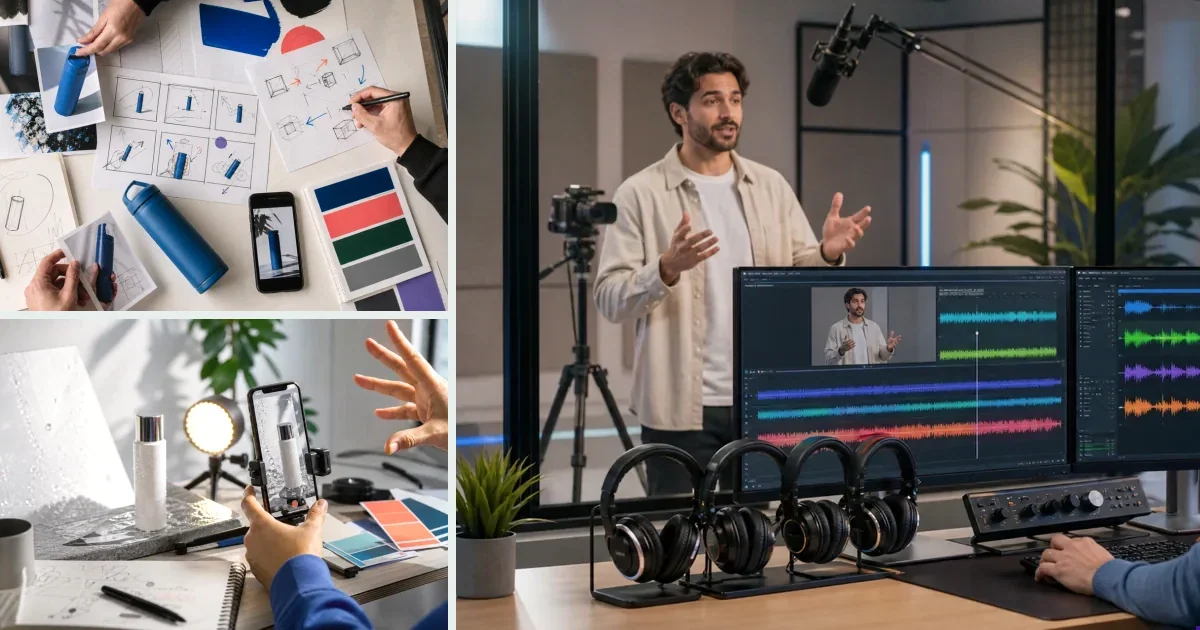
For AI-generated ads the brief isn't paperwork — it is the production. The model only knows what the brief tells it; every decision you skip gets filled with a default. The working structure: product facts (what must stay true), format (UGC / showcase / hook), scenario, voice style, and what happens on screen in action verbs. On v4v the product URL pre-fills the facts and the system assembles the direction — but understanding the brief layers is what separates usable output from prompt roulette.
What a Creative Brief Actually Does in AI Video Generation
Most people treat the creative brief as paperwork. For AI-generated video ads, it is the production itself.
Feed a model a vague prompt and you get a vague video. The brief is the only instruction set the model has. Every decision you skip, the model fills in with a default. Sometimes that works. Usually it does not.
A strong brief is not a mood board or a paragraph of brand values. It is a set of specific, ordered inputs: what the product is, who it is for, what the first three seconds must do, what visual style to follow, what the audio layer should sound like, and what format the output needs to match.
Get those six things right and the model has something real to work with.
The Six Elements Every AI Video Ad Brief Needs
1. Product Context
The model needs to know what it is selling before it can show it.
Product context means: the product name, its primary function, one or two physical details (color, size, material if relevant), and the single most important benefit. Not five benefits. One.
Bad: "A water bottle that keeps drinks cold." Better: "A 32oz matte black insulated bottle that keeps drinks cold for 24 hours, sold to gym-goers who commute."
The second version gives the model a subject, a visual anchor, and an audience in one sentence. That specificity carries through to shot selection, avatar choice, and caption tone.
2. Target Audience
Audience definition shapes everything from pacing to hook style. A brief for a 22-year-old TikTok shopper and a brief for a 40-year-old Meta buyer should produce different videos from the same product.
State: age range, platform, one behavioral detail (they scroll fast, they compare reviews, they respond to before/after), and the core pain point the product solves for them.
Keep it to two or three sentences. You are not writing a persona document. You are giving the model enough context to match tone and pacing to a real viewer.
3. Hook Format
The hook is the first two to three seconds of the video. On TikTok and Instagram Reels, it is the only part that earns the rest of the watch.
Specify the hook type explicitly. Options include:
- Problem statement: open on the pain point before the product appears
- Product reveal: lead with the product in use, no setup
- Pattern interrupt: unexpected visual or sound that stops the scroll
- Question hook: text overlay asks a question the viewer already has
- Social proof hook: open on a result or a number
Do not leave this to the model. Pick one and name it. "Open with a problem statement. Show someone frustrated before the product appears." That is a brief. "Make it engaging" is not.
4. Visual Direction
Visual direction covers three things: style, setting, and movement.
Style: UGC (raw, handheld feel), polished product shot, avatar-led, lifestyle, or comparison. Name the style.
Setting: where the video takes place. Kitchen, gym, outdoor, neutral studio background. One location is enough.
Movement: static product shot, handheld motion, slow zoom, quick cuts. Specify the energy level. "Fast cuts, high energy" or "slow, deliberate movement, close-up focus" both work. "Dynamic and engaging" does not.
If you are using an avatar, specify whether the avatar speaks to camera, demonstrates the product, or appears as a secondary element alongside product footage.
5. Audio and Voiceover
Audio is where most briefs fall short. The model will generate something. You want to control what.
Specify: - Whether there is a voiceover (yes or no) - If yes, the tone of the voice (calm and authoritative, energetic, conversational) - Whether background music is needed and what style (upbeat, minimal, lo-fi) - Whether captions appear on screen
For paid social, captions are almost always worth including. A large share of mobile video plays without sound. State it in the brief.
6. Output Specs
For paid social video ads, the default output spec is 9:16 vertical, 720p minimum, 8 to 15 seconds. State it anyway. If you are running on Meta feed as well as Stories, note that too.
Specify the call to action text if one appears on screen. "Shop now," "Get yours," and "Try it free" are all different CTAs with different implications for the final frame. Pick one and write it in the brief.
Common Brief Mistakes That Break AI Outputs
Stacking multiple messages. Asking the model to show the product, explain three features, include a testimonial, and close with a discount offer in eight seconds produces a cluttered video. One message per ad. Brief for one message.
Using brand language the model cannot visualize. "Premium feel," "elevated aesthetic," and "authentic vibe" are not visual instructions. Translate them. "Soft lighting, neutral color palette, no text overlays except the CTA" is visual. "Premium feel" is not.
Skipping the hook. Briefs that describe the middle and end of the video but leave the first three seconds open produce weak openers. The hook is the highest-leverage part of the brief. Write it first.
Over-specifying irrelevant details. Listing the full brand history, five audience personas, and a 200-word product description gives the model noise, not signal. Compress. Each section should fit in a short paragraph.
Treating the brief as a one-time document. If the first output misses, the brief is the first thing to revise. Adjust one variable, regenerate, compare. Brief iteration is faster than prompt engineering from scratch.
How to Brief for Different Ad Types
Different ad formats need different brief structures. Here is how to adjust.
| Ad Type | Hook Focus | Visual Style | Audio Note |
|---|---|---|---|
| UGC-style review | Problem statement or question | Handheld, raw, single setting | Conversational voiceover, no music or subtle background |
| Product showcase | Product reveal | Clean, close-up, neutral background | Upbeat music, minimal voiceover |
| Avatar-led explainer | Avatar speaks direct to camera | Studio or lifestyle background | Clear voiceover, captions on |
| Before/after | Problem statement | Split or sequential shots | Voiceover narrating the contrast |
| Comparison ad | Pattern interrupt or question | Side-by-side or alternating cuts | Neutral voiceover, factual tone |
For TikTok specifically, brief for a hook that works without sound. Most first views are muted. The visual hook carries the load. Audio rewards the viewer who stays.
When the Brief Builds Itself
Writing a full creative brief from scratch takes time. For DTC brands running multiple SKUs and testing ad variants weekly, that time compounds fast.
v4v automates the brief-building step. Paste a product URL and the platform extracts product data, identifies key attributes, and builds a creative brief before any generation starts. Avatars, styles, and assets connect automatically. You start from a real brief, not a blank prompt.
The Ad Studio runs the full URL-to-ad workflow: product data in, directed video ad out, 9:16 at 720p, optimized for paid social. The model stack includes Seedance 2.0, Kling 3.0, and Veo 3.1, with Suno for music and Kling AI Avatar for lip sync. One 8-second Seedance 2.0 video costs approximately 349 credits — around $2.44 at entry-level pricing.
Products, avatars, and assets stay connected across sessions. When you iterate on a brief, you adjust and regenerate. You do not rebuild.
For direct model control, the AI Lab runs image, video, sound, and translation models in one place. No tab-switching. No separate subscriptions per model.
Pricing is pay-per-use with no subscription. Credit packs start at $7 for 1,000 credits.
Paste a product link. The brief builds itself.
Generate product videos, UGC-style ads and hooks in about 5 minutes.
Try v4vFrom $7 · no subscription, ever · credits never expire
FAQs
What is a creative brief for an AI video ad?
A structured set of inputs that tells the model what to generate. It covers product context, target audience, hook format, visual direction, audio style, and output specifications. The more specific the brief, the more directed the output.
How long should a creative brief for an AI video ad be?
Short. Each section should be two to four sentences. The full brief should be readable in under two minutes. Longer briefs introduce noise that dilutes the output. Compress to specifics and cut everything the model does not need to make a decision.
What is the most important part of a creative brief for a paid social video ad?
The hook. The first two to three seconds determine whether the viewer watches the rest. Brief it explicitly: name the format, describe what appears on screen, and specify whether it leads with the product, a problem, or a question.
Can AI generate a creative brief automatically?
Yes. v4v extracts product data from a URL and builds a creative brief automatically before generation starts. This removes the manual scripting step and connects the brief directly to the production workflow.
How do I brief for different platforms like TikTok vs. Meta?
TikTok briefs should prioritize visual hooks that work without sound, fast pacing, and a conversational or raw aesthetic. Meta briefs can support slightly longer formats and more polished visuals. The output spec — 9:16, 720p — is the same. The hook style and pacing differ.
How many ad variants should one brief produce?
Brief for one variant at a time, then iterate. Change one variable per generation: hook format, visual style, or voiceover tone. This makes it easier to identify what drives performance. Running five simultaneous variants from a single brief makes attribution harder.
What happens if the AI output does not match the brief?
Revise the brief before revising the prompt. Identify which section produced the mismatch, tighten it, and regenerate. If the hook is wrong, rewrite the hook instruction. If the visual style is off, add one concrete visual reference. Brief iteration is faster than starting over.
Published May 31, 2026 · facts as of publication.