
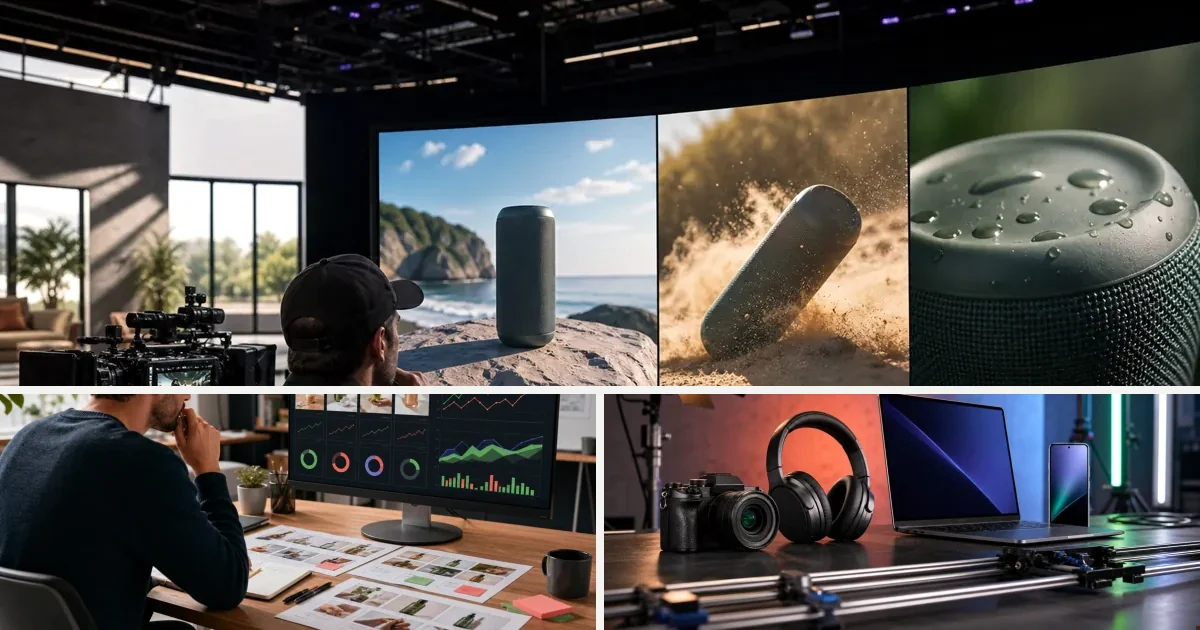
Creative testing on Meta has always been a volume game: the accounts winning Reels and Feed placements run more ads, faster, and cut losers before budget bleeds. In 2026 the cap isn't budget or targeting — it's production. If you ship three videos a week, your CPMs stay high while competitors iterate past you. This guide lays out a weekly AI-powered testing structure: batch generation at ~$2.44 a variant, naming and tracking, kill criteria, and when to hand winners to premium models.
- Why Creative Is the Primary Meta Performance Variable in 2026
- What to Actually Test (and What to Ignore)
- Hook Format
- Avatar vs. No Avatar
- Voiceover Style
- Music Bed
- Aspect Ratio and Format
- How to Structure a Meta Creative Test in 2026
- The Minimum Viable Test Structure
- Test Cadence
- Reading Results
- Building Creative Volume Without a Production Team
- Persistent Creative System vs. Rebuilding Every Time
- The Model Stack for Creative Testing
- Pricing and Test Economics
- Common Mistakes in Meta Creative Testing
- Scaling What Works
- FAQs
Creative testing on Meta has always been a volume game. The brands winning on Reels and Feed placements right now aren't necessarily running better ads — they're running more of them, faster, and cutting losers before the budget bleeds out.
The bottleneck in 2026 isn't budget. It isn't audience targeting. It's creative production. If you can only ship three new video ads per week, your testing cadence is capped, your CPMs stay high, and your ROAS stalls while competitors iterate past you.
This guide covers how to build a real AI creative testing system for Meta — what variables to test, how to structure your experiments, and how to produce enough volume to actually learn something.
Why Creative Is the Primary Meta Performance Variable in 2026
Meta's ad delivery system has absorbed most of the targeting work. Broad audiences, Advantage+ placements, and automated bidding handle a lot of what manual segmentation used to require.
What the algorithm can't do is make your creative compelling. That's still your job.
In 2026, the creative itself is the targeting signal. A strong hook attracts the right viewer. A weak one wastes impressions on people who bounce in the first two seconds. Your 3-second view rate and thumb-stop ratio aren't vanity metrics — they directly shape who Meta shows your ad to next.
Testing creative is testing targeting. More creative variation means more data on what resonates with different buyer segments.
What to Actually Test (and What to Ignore)
Most performance marketers waste test cycles on low-signal variables. Color palette tweaks and button copy changes rarely move ROAS. The variables that consistently produce signal are:
Hook Format
The first two to three seconds determine whether the algorithm rewards or penalizes your ad. Test these formats against each other:
- Direct product claim — state the benefit immediately, no buildup
- Problem-first — open with the pain point before showing the product
- Social proof cold open — start with a result, a number, or a testimonial fragment
- Visual-only hook — no text or voiceover in the first two seconds, just strong image or motion
Each format triggers a different psychological response. Run them as separate variants with identical body copy and CTAs to isolate the variable.
Avatar vs. No Avatar
Talking-head ads still outperform pure product footage in most DTC categories — but not always. Test avatar-led creative against product-only footage, especially where the product visual is inherently strong: skincare, food, apparel.
Voiceover Style
Calm and authoritative versus fast and energetic versus ASMR-adjacent. These aren't subtle differences. They signal different brand personalities and attract different scroll behaviors.
Music Bed
Silence, upbeat background track, or emotional underscore. Music affects perceived product quality and brand tone. Worth isolating as a variable, particularly for lifestyle and beauty categories.
Aspect Ratio and Format
9:16 vertical for Reels and Stories. 1:1 for Feed. Don't assume your best-performing Reels creative will transfer directly to Feed without reformatting. Test both.
How to Structure a Meta Creative Test in 2026
The Minimum Viable Test Structure
Run at least four creative variants per test. Fewer than four gives you insufficient data to distinguish signal from noise. More than eight makes results harder to read cleanly.
Use the same campaign objective, the same audience, and the same budget allocation across variants. Change only the creative variable you're testing.
Set a spend threshold before you declare a winner. A common approach: let each variant reach at least $50 to $100 in spend before making any decisions. For lower-ticket products, you may need more spend to see purchase signal.
Test Cadence
Aim to ship at least two new creative tests per week — meaning eight or more new video variants. This is where most small teams hit the wall. Not in strategy, but in production.
A team of two can't produce eight polished video ads per week with traditional tools. With AI production, they can.
Reading Results
Watch these metrics in order:
- Hook rate (3-second video views / impressions) — tells you if the opening is working
- ThruPlay rate — tells you if the full message lands
- CTR — tells you if the CTA is motivating action
- ROAS or CPA — the final signal, but only meaningful after the above are healthy
High hook rate with low CTR means your creative attracts attention but fails to convert it. Low hook rate with high ROAS means you have a strong offer but a weak opening — fix the hook and ROAS will likely improve further.
Building Creative Volume Without a Production Team
The framework above requires consistent output. Eight video variants per week, week after week. That's not achievable with a freelance editor and a shoot day every two weeks.
AI production changes the math.
Turning a product URL into a finished vertical ad removes the manual work that creates the bottleneck. Paste the product link, pull the data, attach an avatar, select a style, generate the brief, produce the video — without writing a script from scratch or sourcing assets separately.
v4v's ecommerce workflow does exactly this. Product data extracts automatically. The creative brief builds itself. Select an avatar and style, and the output is a 9:16, 720p vertical ad ready for Meta placement. An 8-second video using Seedance 2.0 costs approximately 349 credits — about $2.44 at the entry credit rate.
For a team running eight variants per week, that's a production cost that fits inside a reasonable testing budget, not a line item that needs approval.
Persistent Creative System vs. Rebuilding Every Time
The other production problem is iteration. When a test surfaces a winning hook, you want to apply it to five other products, test it with three different avatars, or run it with a different voiceover style.
With template-based tools, that means rebuilding from scratch. With a persistent creative system, the product data, avatar, style, and assets stay connected across projects. You iterate from the last version, not from zero.
v4v keeps that system intact. When you find a hook that works, you apply it across SKUs without starting over.
The Model Stack for Creative Testing
Different test variables call for different production tools. Running everything through a single model limits what you can test.
v4v's AI Lab gives direct access to the full model stack: Seedance 2.0, Kling 3.0, Veo 3.1, GPT-image-2, Nano-banana 2, Wan 2.7, Kling AI Avatar lip sync, HeyGen v2 translation, Suno for music generation, and text-to-voice. All from one workspace.
For creative testing specifically, that matters because:
- Testing voiceover styles means running text-to-voice with different parameters
- Testing music beds means generating with Suno rather than licensing stock
- Testing avatar-led versus product-only means switching between Kling AI Avatar and video generation models
- Testing translated creative for different markets means running HeyGen v2 without leaving the workspace
In a fragmented stack, each of those is a separate tool and a separate tab. In v4v, they're all in the same place.
Pricing and Test Economics
Creative testing has a cost structure. Understanding it helps you allocate correctly.
At v4v's entry rate of $0.007 per credit, an 8-second Seedance 2.0 video costs roughly $2.44. Producing eight variants per week runs under $20 in generation costs. Scale to 20 variants and you're still under $50.
Credits don't expire. There's no subscription billing cycle forcing you to burn capacity before it resets. Buy a 1,000-credit pack for $7, use it when you need it, top up when it runs low.
Compare that to platforms where quality videos cost $8 to $15 each with credits resetting every two months. At that rate, eight variants per week costs $64 to $120 — and you're paying whether you use the credits or not.
For a DTC brand spending $5,000 to $100,000 per month on Meta, creative production cost shouldn't be the constraint on testing velocity. At these rates, it isn't.
Common Mistakes in Meta Creative Testing
Testing too many variables at once. Change one thing per test. If you change the hook, the avatar, and the music simultaneously, you can't attribute the result to any single variable.
Killing tests too early. Pulling a variant at $20 spend isn't a test — it's a guess. Set a spend threshold and hold to it.
Ignoring the hook entirely. Most creative testing frameworks focus on the offer or the CTA. The hook is where most impressions are won or lost. Test it first.
Producing variants that are too similar. If all four variants share the same opening two seconds, you're not testing hooks — you're testing thumbnails. Make the variants meaningfully different.
Skipping translation tests. If you run Meta across multiple markets, translated creative often outperforms subtitled creative. HeyGen v2 translation inside a single workspace makes this fast enough to be worth testing.
Scaling What Works
When a variant wins, the next step isn't just increasing budget. It's extracting the pattern.
What hook format won? What avatar style? What music type? Document the variables that drove the result, then apply them systematically across other products and SKUs.
This is where v4v's Workflows mode becomes useful. Build a reusable pipeline around the winning creative pattern. One prompt, applied to every new product URL, producing a variant that follows the proven structure. Agencies managing multiple brand clients can run one workflow and deliver consistent output across every SKU without rebuilding the system for each client.
Paste a product link. The brief builds itself.
Generate product videos, UGC-style ads and hooks in about 5 minutes.
Try v4vFrom $7 · no subscription, ever · credits never expire
FAQs
What is the most important variable to test in Meta creative in 2026?
The hook — the first two to three seconds. Meta's algorithm uses early engagement signals to determine delivery. A strong hook improves 3-second view rate, which shapes who sees the ad next and at what CPM.
How many creative variants should I run in a single Meta test?
A minimum of four to produce readable signal. More than eight in one test makes results harder to interpret. Keep the variable consistent — change one element per test.
How much should I spend before declaring a winner?
At minimum $50 to $100 per variant before making decisions. For lower-ticket products or smaller audiences, you may need more spend to see reliable purchase signal.
Can AI-generated video ads actually perform on Meta?
Yes. Meta's algorithm doesn't penalize AI-generated creative — it rewards engagement. A well-structured AI video ad with a strong hook, clear offer, and native 9:16 format competes directly with UGC and studio-produced content.
How do I produce enough creative volume for weekly testing without a production team?
Use a product-to-video workflow that automates brief creation and asset sourcing. v4v's ecommerce mode goes from product URL to finished vertical ad without manual scripting. At roughly $2.44 per 8-second video, producing eight to ten variants per week is economically viable for any team running paid social.
What format should Meta video ads be in 2026?
9:16 vertical for Reels and Stories. 1:1 for Feed. Produce both and test them separately — performance doesn't always transfer between placements.
How do I avoid wasting budget on underperforming variants?
Set a spend threshold before you evaluate, watch hook rate first, and cut variants that fail to reach a minimum 3-second view rate before scaling any spend. Don't make decisions on impressions alone.
Published June 16, 2026 · facts as of publication.