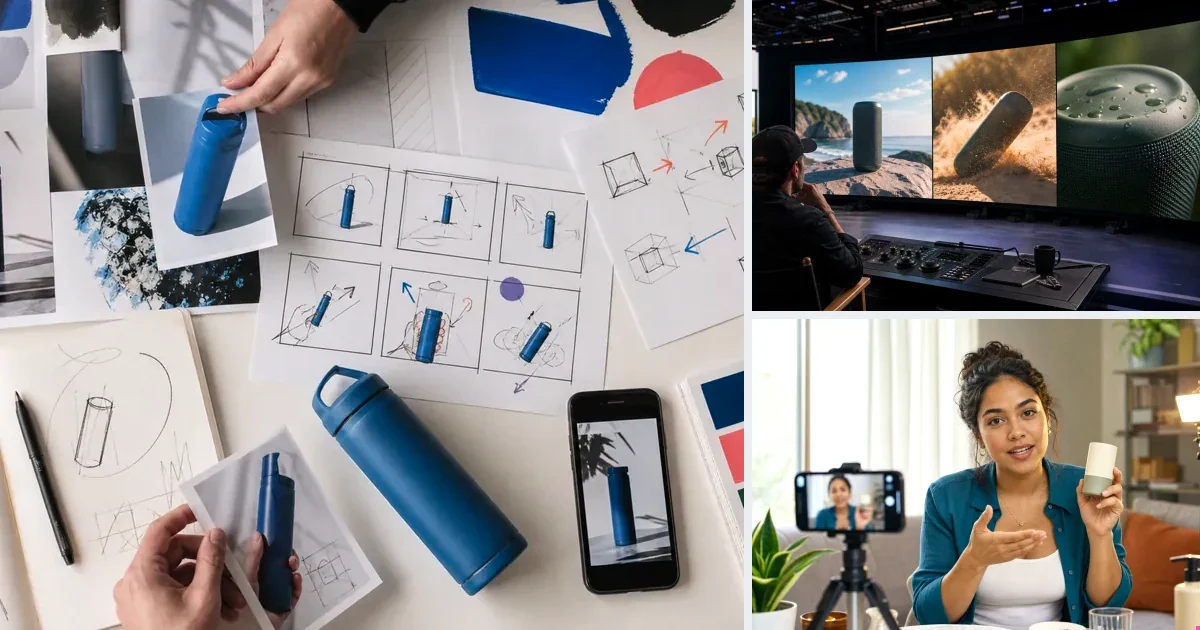
Text-to-video generates footage from a written prompt alone: describe the scene, the model renders it. It's the headline capability of models like Seedance 2.0, Veo 3.1 and Kling 3.0 — and in 2026 it's genuinely good at short, product-adjacent scenes. Its limit for ecommerce is specificity: with no image anchor, the model invents details, which is fine for environments and B-roll but wrong for your actual SKU. The production pattern that works: text-to-video for scene and mood, image-to-video (anchored on product photos) for the product itself.
Where it shines
Lifestyle context, backgrounds, atmosphere, hook motion, concept exploration — anywhere approximate is acceptable and imagination helps.
Prompting that works
Action verbs and materials: 'steam rises as coffee pours into a glass cup, morning light' outperforms adjective piles. Never direct the camera — pick the format and let the director frame.
Paste a product link. The brief builds itself.
Generate product videos, UGC-style ads and hooks in about 5 minutes.
Try v4vFrom $7 · no subscription, ever · credits never expire
FAQs
Text-to-video or image-to-video for product ads?
Image-to-video whenever the exact product must appear; text-to-video for surrounding footage. v4v's workflow mixes both automatically.
How long can generated clips be?
Practical ad range is 4–10 seconds per clip; longer ads assemble multiple clips.
Facts checked July 16, 2026. Competitor claims from public pricing pages; verify before relying on them.