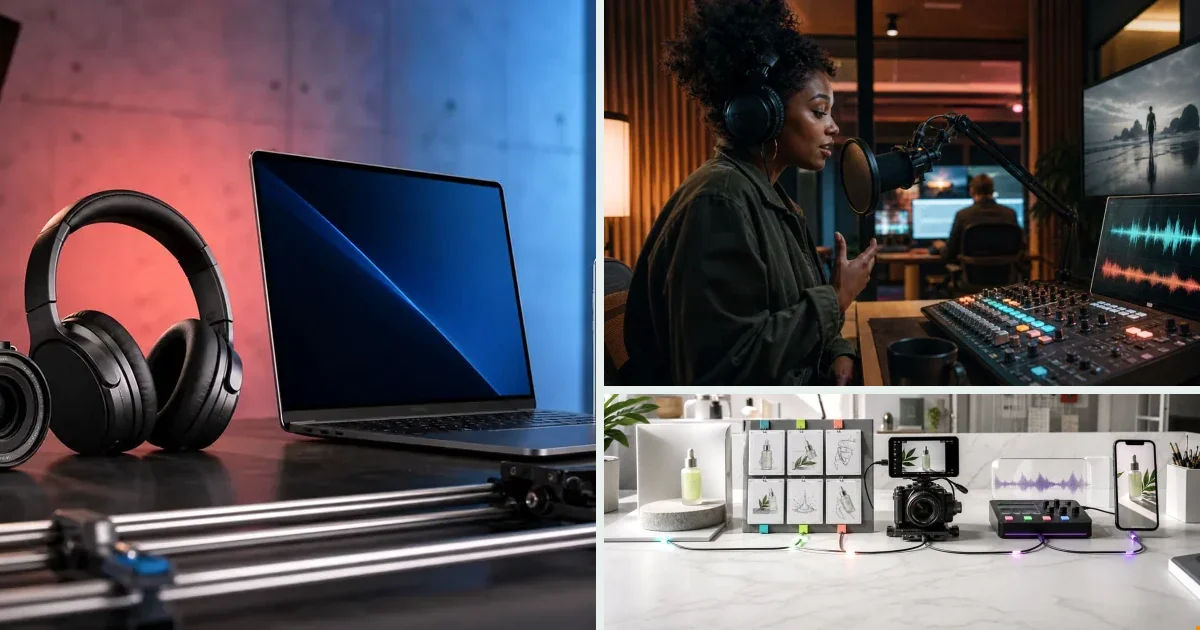
Brands obsess over the first frame and treat audio as an afterthought — a mistake, because on TikTok and Reels sound is part of the format: the algorithm reads it and retention responds to it. This guide covers the audio layer end-to-end: Suno prompts that produce ad-fit tracks (genre + BPM + length + ending), voiceover tone by format, mixing so music never fights the voice, and designing for both sound-on and sound-off viewers with captions.
Why Audio Makes or Breaks a Product Ad
Most DTC brands obsess over the first visual frame. The hook image, the product reveal, the text overlay. Audio gets treated as an afterthought — something you drop in at the end from a stock library.
That's a mistake. On TikTok and Instagram Reels, audio is part of the format. The algorithm surfaces content partly based on sound. Viewers watching with audio on respond differently to music tempo and voiceover tone. A flat or mismatched track kills retention, and retention drives CPM.
If you're spending $5,000 to $100,000 a month on paid social, the audio layer in your product ads deserves the same attention as the visual.
AI Music for Video Ads: What You Need to Know
How AI Music Generation Works
AI music models generate original audio from a text prompt. You describe the mood, tempo, genre, or energy — "upbeat lo-fi with a driving beat," "cinematic tension, 90 BPM," "warm acoustic, product reveal pacing" — and the model produces a track.
The output is original. That matters because stock music carries licensing risk, and popular tracks on TikTok get claimed or muted without warning. AI-generated music sidesteps that entirely.
v4v includes Suno in its model stack. Inside the AI Lab, you run Suno directly, describe what you need, and get a track you can attach to your video. No separate subscription. No tab-switching. The credit cost comes out of the same pool you use for video generation.
Matching Music to Ad Intent
Not every product ad needs the same audio energy. A few frameworks that hold up in practice:
For urgency-driven direct response ads: Fast tempo, minimal melody, percussion-forward. The music should push the viewer toward the CTA, not compete with it.
For brand awareness or lifestyle ads: Slower tempo, more harmonic texture. The music carries emotional weight when the visual is doing the storytelling.
For UGC-style ads: Lo-fi or ambient tracks work. Overly produced music signals "ad" immediately and breaks the native feel.
For product demos: Keep music low in the mix. If a voiceover is explaining a feature, the music is background texture — not foreground content.
The prompt you give the music model should reference the ad's purpose, not just the vibe. "Upbeat track for a 9-second skincare product reveal, TikTok format" produces a more useful result than "happy music."
AI Voiceover for Product Ads
Text-to-Voice vs. Lip Sync Avatars
These are two different tools for two different jobs.
Text-to-voice converts a script into spoken audio that plays over the video. No avatar is visible, or the avatar's mouth doesn't need to match the words. This works well for product demos, narrated slideshows, or ads where a human face isn't the focus.
Lip sync avatars take an existing video of a person speaking and synchronize mouth movement to new audio. This is the right tool when you have a human presenter in frame and the script has changed — or when you're localizing an ad for a new market.
v4v supports both. Text-to-voice runs as a model in the AI Lab. Lip sync uses Kling AI Avatar, also accessible directly in the lab. The choice depends on your creative format, not a platform limitation.
Translation and Multilingual Reach
If you're running ads across multiple markets, voiceover translation is one of the highest-leverage moves available. Translating an ad that's already performing means you're not starting from scratch — you're extending a proven creative.
v4v includes HeyGen v2 translation in the model stack. Feed it a video, specify the target language, and it outputs a translated version with synchronized audio. The original visual stays intact. Faster than re-recording, more accurate than manual dubbing at scale.
For agencies managing multiple brand clients, this is particularly useful. One performing ad becomes several localized versions without rebuilding the production.
Adding Music and Voiceover Inside One Workspace
The AI Lab Approach
The AI Lab gives you direct access to every model in the stack. When you need full creative control — specific music prompt, specific voice style, specific lip sync timing — this is where you work.
The flow looks like this:
- Generate your video using Seedance 2.0, Kling 3.0, or Veo 3.1
- Run Suno with a prompt matched to your ad's pacing and intent
- Run text-to-voice with your script if you need narration
- Apply lip sync via Kling AI Avatar if you have a presenter in frame
- Output a 9:16, 720p vertical ad ready for paid social
All of this happens in one tab. No exporting to a separate audio tool, no re-importing, no format conversion.
The URL-to-Ad Flow
Starting from a product link rather than a pre-built concept? The URL-to-ad flow at v4v.ai handles the brief-building step automatically. Paste your product URL, and the platform pulls product data, generates a creative brief, and connects avatars, styles, and assets.
From that brief, you can attach music and voiceover as part of the same production run. The brief already knows what the product is and what the ad needs to accomplish — that context produces better audio decisions than starting from a blank prompt.
Products, avatars, and assets stay connected across sessions. When you iterate — different music, different voice tone, different pacing — you're adjusting, not starting over.
Audio Decisions That Affect ROAS
A few specific choices that show up in performance data for paid social:
Music in the first second. TikTok and Reels reward immediate audio engagement. If your track doesn't establish itself in the opening frame, you're losing viewers before the hook lands.
Voice clarity over music volume. When voiceover and music compete, clarity loses. Mix the music low enough that every spoken word is clean. A rough rule: voiceover should sit 6 to 10 dB above the music bed.
Silence as a tool. A half-second of silence before a key product claim draws attention. Constant audio texture trains the viewer to tune out.
Consistent audio across variants. If you're testing three versions of the same ad, keep the music consistent and vary the voiceover — or vice versa. Changing both at once makes the test unreadable.
Platform-native audio cues. TikTok ads that use trending sound formats — even AI-generated versions of those formats — tend to perform better natively than ads that feel imported from another channel.
Common Mistakes to Avoid
Using stock music with unclear licensing. Stock tracks get claimed. AI-generated music via Suno is original and avoids that risk entirely.
Generating voiceover without a real script. Text-to-voice works from what you give it. A vague or unedited script produces flat delivery. Write the script first, then run the model.
Skipping lip sync when a presenter is in frame. If your avatar is speaking and the mouth movement doesn't match, the ad reads as low-quality. Kling AI Avatar exists specifically to fix this.
Treating music as decoration. Music pacing directly affects how long a viewer stays in frame. A track that peaks at the wrong moment pulls attention away from the CTA.
Building audio separately from video. When you generate audio in one tool and video in another, sync becomes a manual problem. Keeping both in the same workspace — as v4v's AI Lab is designed for — removes that friction.
Paste a product link. The brief builds itself.
Generate product videos, UGC-style ads and hooks in about 5 minutes.
Try v4vFrom $7 · no subscription, ever · credits never expire
FAQs
What is AI music for video ads?
AI music for video ads is original audio generated from a text prompt using a model like Suno. You describe the mood, tempo, and context, and the model produces a track. Because the output is original, it avoids the licensing issues that come with stock music.
Can I use AI-generated music in paid social ads without licensing issues?
AI-generated music produced by tools like Suno is original output, not a reproduction of existing copyrighted material. This makes it suitable for paid social ads where stock music licensing can be unpredictable. Always confirm the terms of the specific model or platform you're using.
What's the difference between text-to-voice and lip sync for product ads?
Text-to-voice converts a script into spoken audio that plays over your video. Lip sync takes an existing video with a visible presenter and synchronizes mouth movement to new audio. Text-to-voice works when no presenter is in frame; lip sync is the right tool when a human face is visible and the script or language has changed.
How do I match AI music to my ad's pacing?
Write your music prompt to reflect the ad's purpose and format, not just a general mood. Include references to tempo, the platform (TikTok, Reels), and the ad type (product reveal, UGC-style, direct response). A specific prompt produces a more useful track than a generic one.
Does v4v handle both music and voiceover in the same workspace?
Yes. The AI Lab at v4v includes Suno for music generation, text-to-voice for narration, and Kling AI Avatar for lip sync — all in the same tab, using the same credit pool, with no need to export or switch tools between steps.
How much does it cost to add AI music to a product video ad on v4v?
v4v runs on a pay-per-use credit system. Credits start at $7 for 1,000 ($0.007 per credit). An 8-second Seedance 2.0 video costs approximately 349 credits. Music and voiceover generation draw from the same pool — no subscription, no expiring credits.
Can I translate a video ad into multiple languages using AI voiceover?
Yes. v4v includes HeyGen v2 translation in its model stack. Provide an existing video, specify the target language, and the model outputs a translated version with synchronized audio. It's faster than re-recording and works well for scaling a performing ad into new markets.
Published July 10, 2026 · facts as of publication.